
Get Free PC Consultation
Talk to our experts and get the best PC solution for your needs and budget.
Your details are safe. No spam, ever.

Talk to our experts and get the best PC solution for your needs and budget.
Your details are safe. No spam, ever.
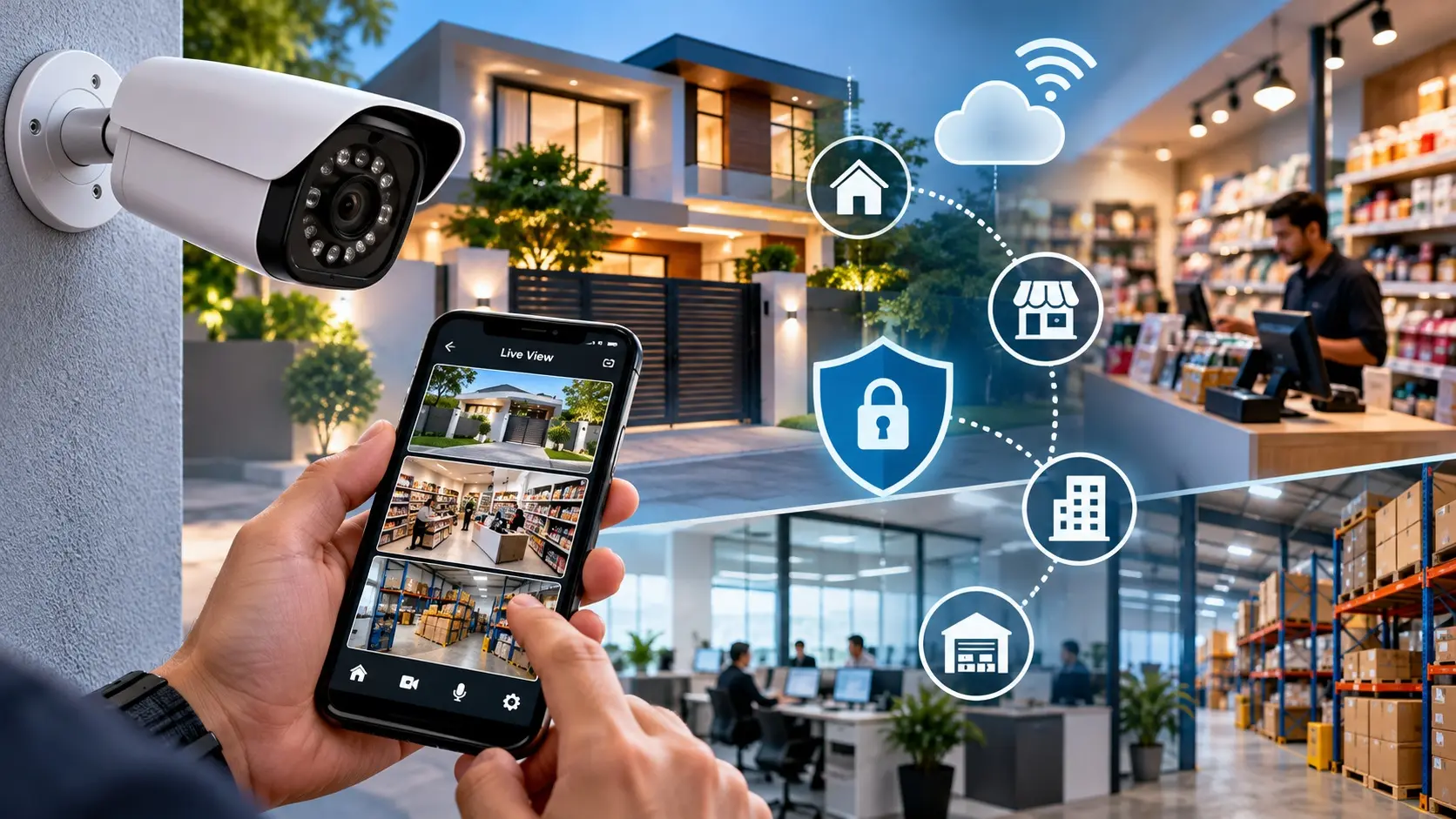
Meta Title: 7 Smart Uses of Security Cameras for Homes & Businesses
Meta Description: Discover 7 smart ways security cameras improve home safety, business operations, inventory monitoring, and remote property management. Explore surveillance solutions with Computer IT Mart.
URL Slug: smart-uses-of-security-cameras-homes-businesses
Imagine leaving your shop for the day but still being able to check whether everything is running smoothly. Imagine receiving an alert when someone enters your property or reviewing footage to understand how a package went missing.
This is how modern security cameras are changing the way people protect and manage their spaces.
Security cameras were once used mainly to record incidents after they happened. Today, many systems offer real-time viewing, motion alerts, intelligent detection, remote access, and integration with other security devices.
For homeowners, retailers, office managers, and small business owners, these capabilities can provide more than peace of mind. They can make everyday monitoring easier and help people make better-informed decisions.
At Computer IT Mart, we believe technology is most valuable when it solves real-world problems. Here are seven practical and sometimes overlooked ways security cameras can make a difference.
Running a retail shop involves managing customers, employees, inventory, deliveries, and daily operations. You cannot be present everywhere at once.
A strategically installed camera system can help shop owners monitor entrances, billing counters, storage rooms, and other important areas.
For example, if a customer reports a billing issue, authorised staff can review relevant footage, where available, to understand what happened. Store owners can also review delivery activity and investigate inventory discrepancies.
Security cameras do not replace good management practices, but they can provide useful visual information when questions arise.
Smart tip: Position cameras to capture useful views of entry points and transaction areas while respecting customer and employee privacy.
Going on vacation or travelling for work often means leaving your home unattended.
A compatible internet-connected security camera can let you check your property through a mobile application while you are away. Depending on the model, you may receive motion notifications or view live footage remotely.
This can be especially useful for monitoring entrances, garages, balconies, and other appropriate outdoor areas.
However, a camera is not a complete security solution. Secure doors and windows, appropriate lighting, and strong account protection remain important.
Smart tip: Enable two-factor authentication where supported and never leave the camera’s default password unchanged.
Online shopping has made home deliveries part of everyday life, but missed deliveries and package disputes can still be frustrating.
A camera covering your entrance may help you determine whether a delivery person visited, when a package was left, or whether someone approached your doorstep.
For businesses receiving frequent shipments, cameras can also help review activity around loading zones and receiving areas.
Smart tip: Choose a camera with a suitable field of view, clear daytime imaging, and night vision if deliveries commonly occur after dark.
Warehouses and stockrooms often contain valuable equipment, inventory, and supplies. Yet these areas may have limited supervision throughout the day.
A well-planned surveillance system can provide visibility into important aisles, access points, loading areas, and storage zones.
For larger facilities, network-based IP cameras connected to a compatible network video recorder can help centralise monitoring. The final setup should account for network capacity, storage requirements, lighting, and the number of cameras.
Recorded footage may also help investigate unexpected stock discrepancies or unauthorised access.
Smart tip: Plan camera coverage around actual operational risks rather than simply installing cameras at regular intervals.
Office security is not only about preventing theft. It also involves protecting equipment, controlling access to restricted areas, and understanding incidents that affect workplace safety.
Cameras can be useful around entrances, reception desks, equipment rooms, and designated common areas, subject to applicable privacy requirements and workplace policies.
Some modern systems offer person detection, motion zones, and event notifications. These features can help reduce unnecessary alerts, although performance varies by device and environment.
Smart tip: Establish clear policies explaining where cameras operate, who can access recordings, and how long footage is retained.
Artificial intelligence is introducing new capabilities to security monitoring.
Depending on the camera and software, intelligent detection features may distinguish people from other movement, identify vehicles, or detect activity within predefined areas.
Consider a small warehouse near a road. A basic motion detector might trigger repeatedly because of passing vehicles or moving trees. A compatible system with person detection may help reduce some of those unnecessary alerts.
However, AI detection is not perfect. Lighting, camera angles, weather, and environmental conditions can affect accuracy.
Smart tip: Evaluate real-world detection performance, privacy controls, subscription requirements, and compatibility before paying extra for AI features.
One common mistake is choosing a camera system that meets today’s requirements but becomes difficult to expand later.
A small shop may initially need two cameras. As the business grows, it may require additional cameras, longer recording retention, remote monitoring, or coverage across a second location.
Planning for future expansion can prevent unnecessary replacement costs.
Consider these options:
Wi-Fi cameras: Useful where flexible installation and wireless networking are practical.
Wired CCTV systems: Suitable for permanent installations with planned cabling.
IP camera systems: Useful when network-based monitoring and expansion are priorities.
DVR or NVR recording: Can provide centralised local recording when compatible with the selected cameras.
The best option depends on the property layout, network infrastructure, budget, and recording requirements.
Before investing in a surveillance system, consider these five questions:
What do you need to monitor? Identify the areas and risks that matter most.
Will the camera be indoors or outdoors? Check weather resistance and operating conditions.
How clear must the footage be? Select an appropriate resolution and lens for the required viewing distance.
Where will recordings be stored? Compare memory cards, DVRs, NVRs, and supported cloud services.
How will you secure access? Check software updates, authentication options, and account security.
A camera with many features is not necessarily the best choice. The right system is the one that reliably addresses your actual security needs.
The next generation of surveillance technology is moving towards more intelligent monitoring. AI-assisted detection, connected devices, automated notifications, and centralised dashboards are making it easier to manage multiple locations.
For small businesses, these technologies can make advanced monitoring more accessible. For homeowners, they can simplify remote checks and notifications.
Nevertheless, responsible use matters. Cameras should be configured securely, recordings should be protected, and monitoring should respect people’s privacy.
Technology can support better security, but its effectiveness still depends on thoughtful installation and responsible management.
A security camera should do more than sit on a wall and record footage. When selected and installed correctly, it can help homeowners stay informed, retailers investigate incidents, and businesses improve visibility across their operations.
Whether you need a single camera for your entrance or a scalable surveillance system for a commercial property, start with your actual requirements and choose equipment accordingly.
Looking for technology solutions for your home or business?
Explore Computer IT Mart for computer hardware, networking equipment, and other technology products that help you build a connected, efficient environment.
Make informed technology decisions today and take a smarter approach to security.
They can be worthwhile if you need remote viewing, motion notifications, or intelligent detection. Consider the purchase price, ongoing subscription fees, compatibility, and privacy features before deciding.
Many cameras can record locally without an internet connection if they have compatible local storage or a connected recorder. However, remote viewing and cloud-based functions generally require connectivity.
No. AI detection may reduce unnecessary alerts, but it cannot eliminate them completely. Results depend on the device, configuration, and environment.
Use a strong, unique password, enable multi-factor authentication when available, update firmware, secure your Wi-Fi network, and disable unnecessary remote-access features.
The number depends on the shop’s layout, entry points, blind spots, and security requirements. Plan coverage for important areas instead of selecting a camera count based on floor space alone.
