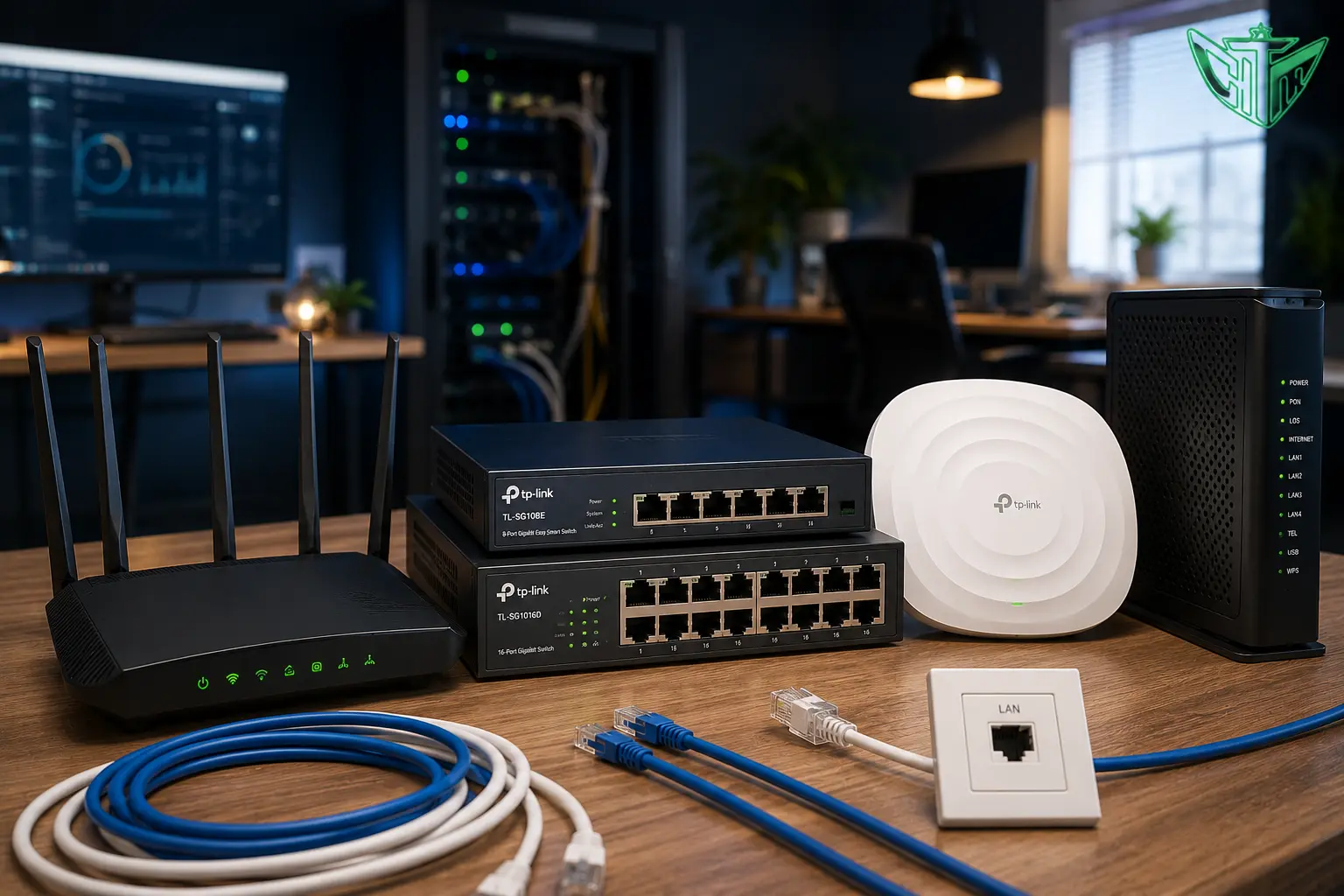
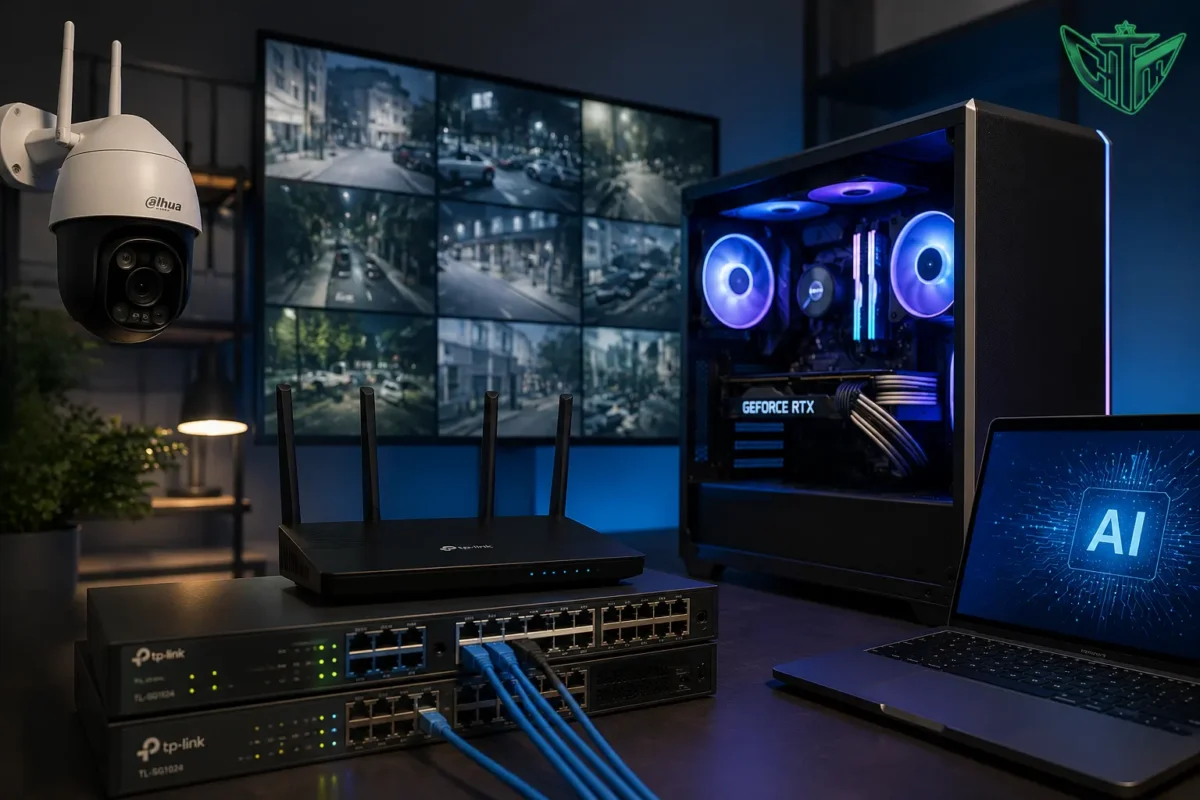
In today’s connected world, a fast and reliable network is essential for homes, offices, educational institutions, and businesses. Whether you’re streaming videos, attending online meetings, gaming, or managing enterprise operations, the right networking equipment ensures seamless connectivity and optimal performance.
From WiFi routers and network switches to wireless access points and business networking solutions, choosing the correct hardware can significantly improve network speed, security, and reliability.
This comprehensive guide explains everything you need to know about networking devices and how to select the best solution for your needs.
What is Computer Networking?
Computer networking is the process of connecting multiple devices such as computers, laptops, smartphones, printers, servers, and security cameras to share data and internet access.
A properly designed network offers:
- High-speed internet connectivity
- Secure communication
- File sharing
- Device management
- Centralized administration
- Better productivity
Why is Networking Important?
Modern networking provides several advantages:
- Faster internet access
- Stable WiFi coverage
- Secure data transfer
- Easy device communication
- Remote access
- Business scalability
- Improved collaboration
Whether you’re building a home network or an enterprise infrastructure, investing in quality networking equipment ensures long-term reliability.
Essential Networking Devices
1. WiFi Routers
A WiFi router connects your local network to the internet and distributes wireless connectivity throughout your home or office.
Benefits
- Wireless internet access
- Multiple device connectivity
- Advanced security features
- Guest WiFi support
- Parental controls
- VPN compatibility
- Easy management through mobile apps
Best For
- Homes
- Small offices
- Retail stores
- Cafes
- Educational institutions
2. Network Switches
A network switch connects multiple wired devices within a local network, allowing efficient communication between computers, servers, printers, IP phones, and CCTV systems.
Types of Switches
Unmanaged Switch
- Plug-and-play
- No configuration required
- Suitable for homes and small offices
Managed Switch
- VLAN support
- QoS management
- Network monitoring
- Better security
- Remote administration
Ideal for medium and large businesses.
3. Wireless Access Points (AP)
An Access Point (AP) extends wireless coverage by creating additional WiFi zones within a building.
Unlike WiFi extenders, access points provide better performance and allow users to move between coverage areas without losing connectivity.
Best For
- Large homes
- Offices
- Hotels
- Hospitals
- Schools
- Warehouses
4. Mesh WiFi Systems
Mesh WiFi systems consist of multiple nodes working together to provide seamless wireless coverage across large spaces.
Advantages
- No dead zones
- Seamless roaming
- Easy setup
- Strong signal throughout the property
Perfect for multi-story homes and offices.
Router vs Switch vs Access Point
| Device | Primary Function |
|---|
| Router | Connects your network to the internet |
| Switch | Connects multiple wired devices |
| Access Point | Expands WiFi coverage |
| Mesh WiFi | Eliminates WiFi dead zones |
Wired vs Wireless Networking
| Wired Network | Wireless Network |
|---|
| Faster speeds | Easy installation |
| Low latency | Mobility |
| Highly stable | Supports mobile devices |
| Ideal for servers & gaming | Perfect for homes & offices |
Many businesses use a combination of both for the best performance.
WiFi Standards Explained
Modern WiFi standards include:
| Standard | Maximum Performance |
|---|
| WiFi 5 (802.11ac) | Fast home networking |
| WiFi 6 (802.11ax) | Better speed and efficiency |
| WiFi 6E | Additional 6 GHz spectrum |
| WiFi 7 | Ultra-high speed, low latency, and improved capacity |
Choose a router that supports the latest WiFi standard for better future compatibility.
Choosing the Right Router
Consider these factors:
Internet Speed
Select a router that supports your ISP’s maximum speed.
Coverage Area
Choose according to property size:
- Apartment
- Independent home
- Multi-floor house
- Office
- Warehouse
Number of Connected Devices
Modern routers can support dozens of simultaneously connected devices, making them ideal for smart homes and businesses.
Security
Look for:
- WPA3 Encryption
- Firewall Protection
- Guest Network
- VPN Support
- Automatic Firmware Updates
Choosing the Right Network Switch
Before purchasing a switch, consider:
- Number of Ethernet ports
- Gigabit support
- PoE (Power over Ethernet)
- Managed vs Unmanaged
- Future expansion
PoE switches are especially useful for powering devices like IP cameras, wireless access points, and VoIP phones through a single Ethernet cable.
Why Businesses Use Managed Switches
Managed switches provide:
- Better network security
- VLAN support
- Traffic prioritization (QoS)
- Network monitoring
- Troubleshooting tools
- Higher reliability
These features make them ideal for growing businesses and enterprise environments.
Benefits of Wireless Access Points
Access Points help:
- Improve WiFi coverage
- Increase user capacity
- Reduce dead zones
- Support seamless roaming
- Deliver better performance than traditional WiFi extenders
Networking Solutions for Different Environments
Home Networking
Recommended:
- Dual-band WiFi Router
- Mesh WiFi (if needed)
- Smart home support
Small Business
Recommended:
- Business Router
- Managed Switch
- Wireless Access Point
- UPS Backup
Enterprise Network
Recommended:
- Multi-Gigabit Switches
- Multiple Access Points
- Firewall
- Rack-mounted equipment
- Network monitoring software
CCTV Surveillance Network
A reliable surveillance network typically includes:
- PoE Switch
- IP Cameras
- NVR
- Cat6 Ethernet Cables
- UPS Backup
This setup ensures stable video transmission and centralized management.
Tips to Improve WiFi Performance
- Place the router in a central location.
- Keep it away from thick walls and metal objects.
- Use the 5 GHz or 6 GHz band for faster speeds when supported.
- Update router firmware regularly.
- Use strong passwords and WPA3 encryption.
- Upgrade to Mesh WiFi or Access Points for larger spaces.
Common Networking Mistakes
Avoid these common issues:
- Buying a low-speed router for a high-speed internet plan.
- Using outdated Ethernet cables.
- Placing routers inside cabinets.
- Ignoring firmware updates.
- Overloading a single access point with too many devices.
- Choosing unmanaged switches for complex business networks.
Why Buy Networking Products from The IT Gear?
At The IT Gear, you’ll find a wide range of networking products from trusted brands for both home and business use.
Benefits include:
- Genuine networking equipment
- Expert product recommendations
- Competitive pricing
- Business networking solutions
- Fast shipping across India
- Technical support
- Trusted brands
- Warranty-backed products
Whether you’re setting up a home WiFi network, upgrading an office, or building an enterprise infrastructure, we can help you choose the right networking solution.
Frequently Asked Questions (FAQs)
What is the difference between a router and a switch?
A router connects your network to the internet and manages traffic between networks. A switch connects multiple wired devices within the same local network, allowing them to communicate efficiently.
Do I need an access point?
If your WiFi signal is weak in certain areas or you have a large home or office, a wireless access point can significantly improve coverage and performance.
What is PoE?
Power over Ethernet (PoE) allows compatible devices such as IP cameras, access points, and VoIP phones to receive both power and data through a single Ethernet cable.
Which WiFi standard should I choose?
For most users, WiFi 6 offers an excellent balance of speed, capacity, and efficiency. If you’re investing in a future-ready network and your devices support it, WiFi 7 provides even greater performance.
Should I choose a managed or unmanaged switch?
An unmanaged switch is suitable for simple home or small office networks. A managed switch is recommended for businesses that need advanced features like VLANs, traffic management, and enhanced security.
Conclusion
A strong networking infrastructure is the foundation of modern homes and businesses. By choosing the right combination of routers, network switches, WiFi access points, and mesh systems, you can achieve faster internet speeds, wider wireless coverage, improved security, and reliable connectivity for all your devices.
Whether you’re upgrading a home network, designing an office infrastructure, or deploying a CCTV surveillance system, investing in quality networking equipment ensures your network is ready for today’s demands and future growth.