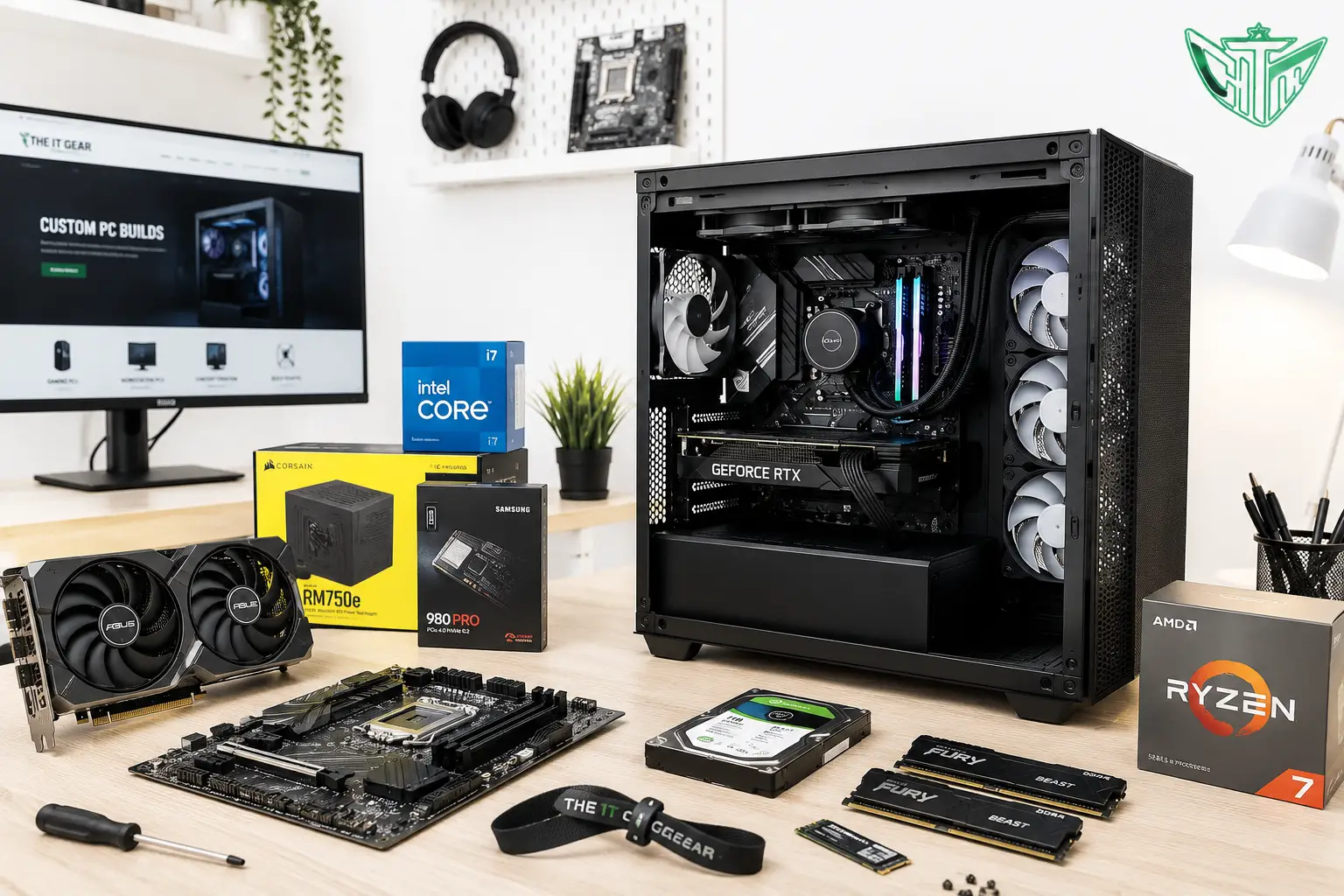
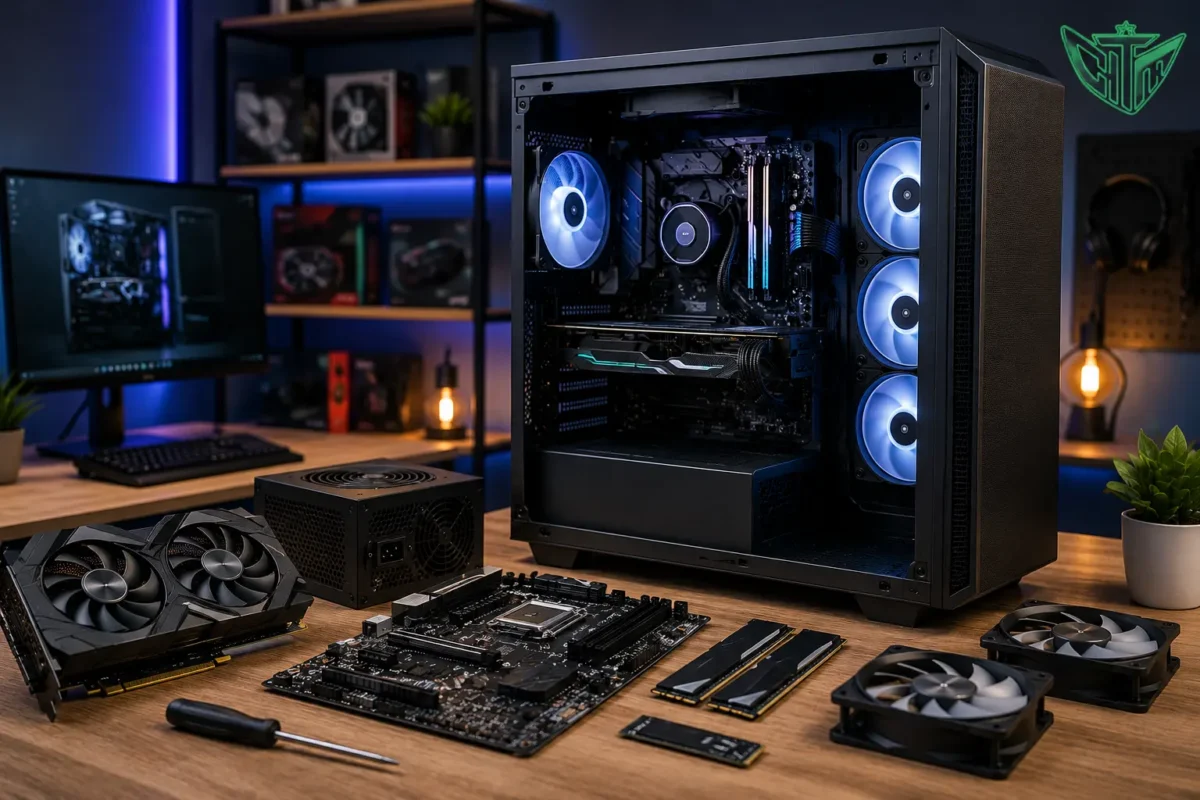
A custom PC build gives you complete control over your computer’s performance, appearance, and budget. Whether you’re a gamer, content creator, software developer, architect, AI professional, or business user, building a custom desktop ensures every component is selected to meet your exact requirements.
Unlike prebuilt computers, a custom PC allows you to choose the processor, graphics card, RAM, storage, cooling system, and power supply based on your workload, ensuring better performance, easier upgrades, and long-term value.
In this guide, you’ll learn everything you need to know before building the perfect custom PC in 2026.
What is a Custom PC Build?
A custom PC is a computer assembled using individually selected components instead of buying a pre-configured desktop.
You choose every part including:
- Processor (CPU)
- Graphics Card (GPU)
- Motherboard
- RAM
- SSD/HDD
- Cabinet (Case)
- Power Supply (PSU)
- CPU Cooler
- Operating System
This allows you to optimize your PC for gaming, productivity, AI, video editing, streaming, engineering software, or office work.
Why Choose a Custom PC?
Better Performance
Every component is selected according to your workload.
Whether you’re playing AAA games or editing 8K videos, your PC delivers maximum performance.
Easy Upgrades
Unlike many branded desktops, custom PCs are designed for future upgrades.
You can easily upgrade:
- RAM
- Graphics Card
- Storage
- Cooling
- Processor
without replacing the entire system.
Better Cooling
Custom PCs provide better airflow using:
- Air Coolers
- AIO Liquid Coolers
- RGB Cooling Fans
- High-Airflow Cabinets
Lower temperatures improve performance and component lifespan.
Cost-Effective
Instead of paying for unnecessary features, you only invest in the components you actually need.
Personalization
Customize your PC with:
- RGB Lighting
- Tempered Glass Cabinets
- White or Black Builds
- Vertical GPU Mounting
- Custom Sleeved Cables
Who Should Buy a Custom PC?
A custom desktop is ideal for:
- Gamers
- Content Creators
- Video Editors
- Software Developers
- AI & Machine Learning Professionals
- Graphic Designers
- CAD Engineers
- Architects
- Students
- Business Users
- Streamers
Essential Components of a Custom PC
Processor (CPU)
The processor is the brain of your computer.
Popular choices include:
- Intel Core i5
- Intel Core i7
- Intel Core i9
- AMD Ryzen 5
- AMD Ryzen 7
- AMD Ryzen 9
Choose based on gaming, productivity, or workstation requirements.
Graphics Card (GPU)
The GPU handles gaming, rendering, AI workloads, and creative applications.
Suitable for:
- Gaming
- Video Editing
- 3D Rendering
- Machine Learning
- CAD Design
Motherboard
The motherboard connects every component.
Consider:
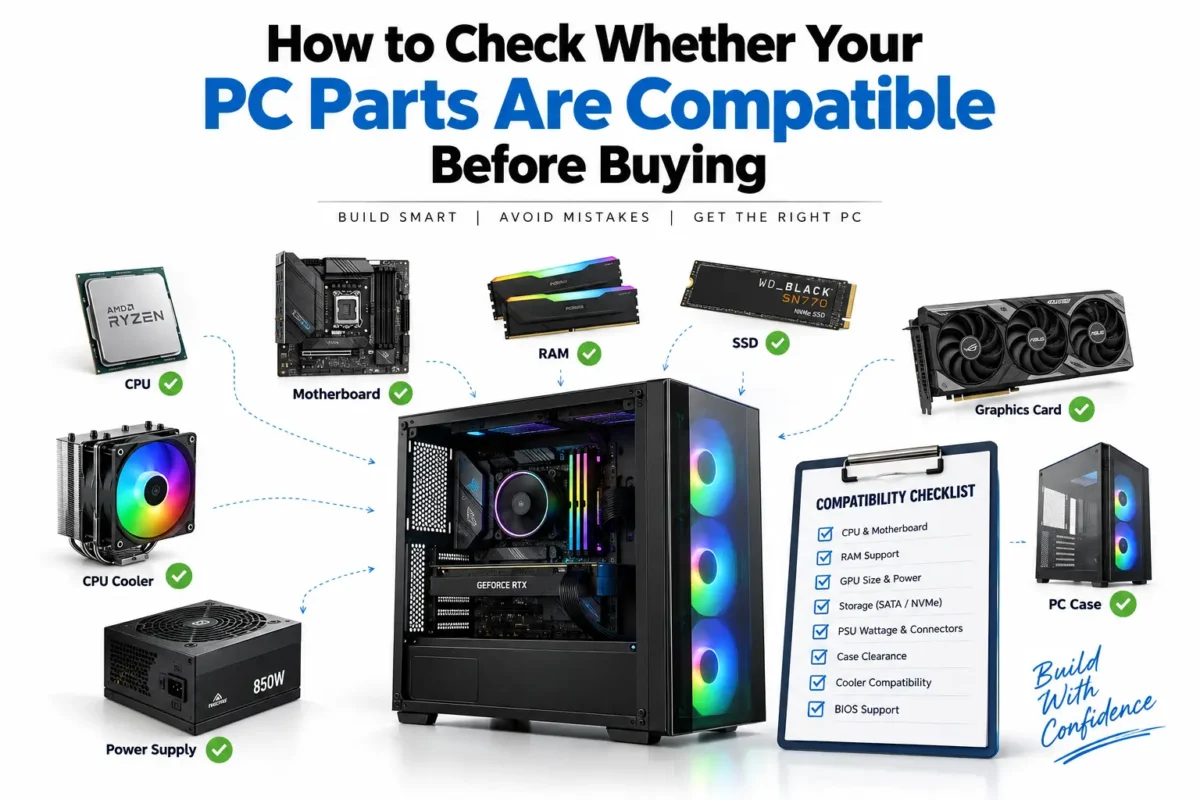
- Socket compatibility
- RAM support
- PCIe generation
- Expansion slots
- Wi-Fi support
- USB connectivity
Memory (RAM)
Recommended capacities:
- 16GB – Everyday users
- 32GB – Gaming & creators
- 64GB+ – Professional workloads
Faster RAM improves multitasking and overall responsiveness.
Storage
For optimal performance:
- NVMe SSD for Windows and applications
- SATA SSD for additional speed
- HDD for mass storage
Power Supply (PSU)
Never compromise on PSU quality.
Choose:
- 80 Plus Bronze
- 80 Plus Gold
- 80 Plus Platinum
A reliable PSU protects your entire system.
Cooling System
Cooling options include:
- Air Cooling
- Liquid Cooling
- AIO Coolers
- Custom Water Cooling
Proper cooling maintains stable performance during intensive workloads.
Best Custom PC Configurations
Budget Gaming PC
Suitable for:
- 1080p Gaming
- Students
- Everyday Work
Recommended:
- Intel Core i5 / AMD Ryzen 5
- 16GB RAM
- NVMe SSD
- Mid-range Graphics Card
Mid-Range Gaming PC
Perfect for:
- 1440p Gaming
- Streaming
- Editing
Recommended:
- Intel Core i7 / AMD Ryzen 7
- 32GB RAM
- RTX Series GPU
- 1TB NVMe SSD
High-End Gaming PC
Ideal for:
Recommended:
- Intel Core Ultra 9 or Core i9 / AMD Ryzen 9
- High-end RTX GPU
- 32GB–64GB RAM
- Liquid Cooling
Content Creator PC
Designed for:
- Adobe Premiere Pro
- Photoshop
- After Effects
- Blender
- DaVinci Resolve
Recommended:
- Multi-core CPU
- 32GB–64GB RAM
- High-performance GPU
- Fast NVMe SSD
AI & Workstation PC
Suitable for:
- Machine Learning
- Deep Learning
- Data Science
- Large Simulations
Recommended:
- High-core-count CPU
- Professional or high-end GPU
- 64GB+ RAM
- High-speed NVMe storage
Gaming PC vs Custom PC
| Gaming PC | Custom PC |
|---|
| Built mainly for gaming | Designed for any workload |
| Limited customization | Fully customizable |
| Gaming-focused hardware | Balanced hardware based on your needs |
| Moderate upgrade options | Excellent upgrade flexibility |
Air Cooling vs Liquid Cooling
| Air Cooling | Liquid Cooling |
|---|
| Affordable | Better cooling performance |
| Easy maintenance | Cleaner appearance |
| Reliable | Ideal for high-end CPUs |
| Suitable for most users | Best for enthusiasts and heavy workloads |
Common Mistakes to Avoid
- Buying an underpowered power supply.
- Choosing incompatible components.
- Ignoring cabinet airflow.
- Purchasing insufficient RAM for future needs.
- Using a slow hard drive as the primary storage.
- Forgetting BIOS updates and driver installations.
Why Buy a Custom PC from The IT Gear?
When you choose The IT Gear, you benefit from:
- Expert component recommendations
- Genuine products from trusted brands
- Professionally assembled systems
- Cable management
- Stress testing before delivery
- Warranty support
- Nationwide shipping
- Upgrade assistance
Whether you need a gaming PC, workstation, office desktop, or AI system, we help you build a configuration tailored to your budget and performance goals.
Frequently Asked Questions (FAQs)
Is a custom PC better than a prebuilt PC?
For most users, yes. A custom PC offers better performance, upgradeability, and value because every component is selected for your specific needs.
How much RAM do I need?
- 16GB for everyday use and gaming.
- 32GB for streaming, content creation, and multitasking.
- 64GB or more for professional editing, 3D rendering, and AI workloads.
Can I upgrade my custom PC later?
Yes. One of the biggest advantages of a custom PC is that components like RAM, storage, GPU, and cooling can usually be upgraded without replacing the entire system.
Which storage is best?
An NVMe SSD is recommended for the operating system and frequently used applications because it delivers significantly faster boot and load times than traditional hard drives.
How long does a custom PC last?
A well-built custom PC can last 5–8 years or more, depending on the components and usage. Regular upgrades can extend its lifespan even further.
Conclusion
A custom PC build is one of the best investments if you want a computer tailored to your exact performance needs. Whether you’re gaming, editing videos, developing software, creating 3D content, or running AI applications, choosing the right combination of components ensures excellent speed, reliability, and future upgradeability.
At The IT Gear, you can build a custom PC with premium components, expert guidance, and professional assembly to get a system that’s ready for work, gaming, or creative projects from day one.